
Is Movies Hub APK Safe?
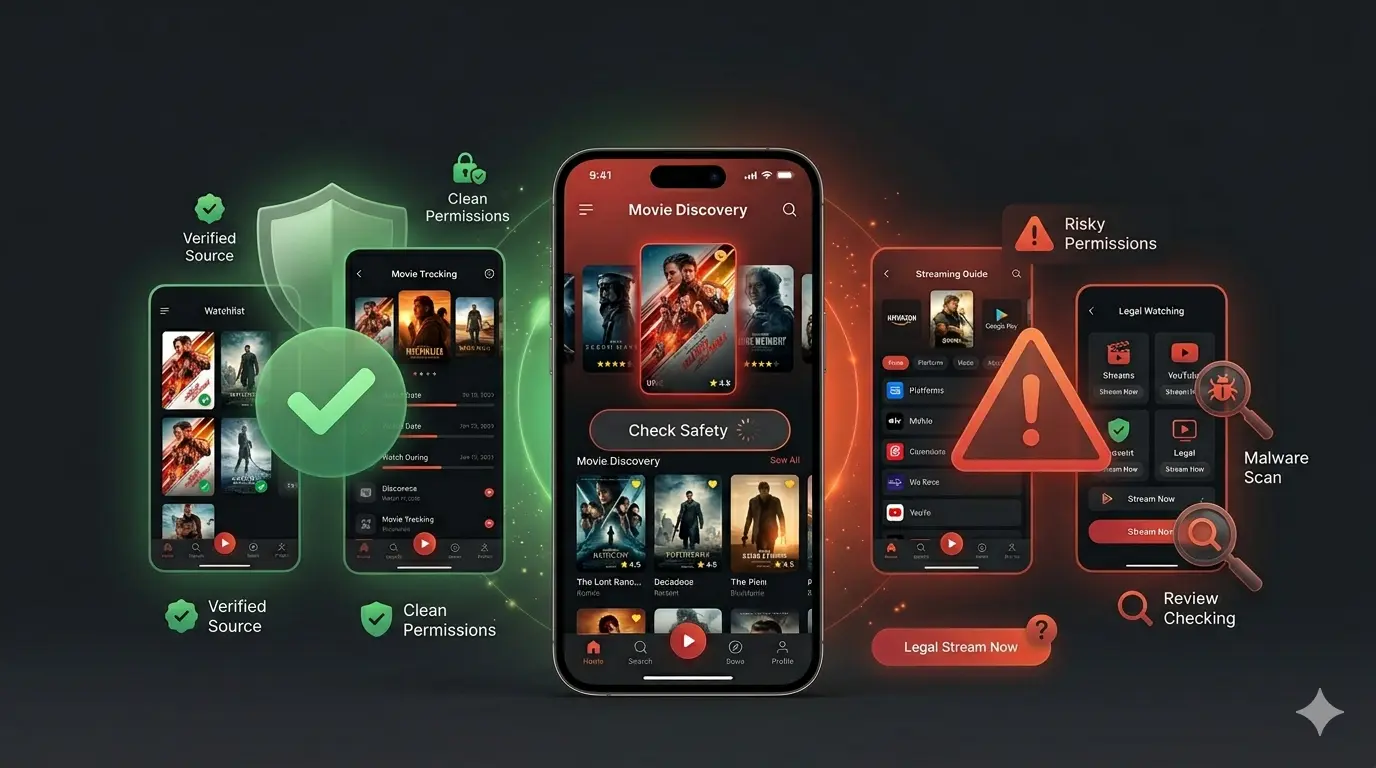
Is Movies Hub APK Safe? Complete Security Guide Before Installing (2026)
When users search “Is Movies Hub APK safe?”, they usually want a simple yes or no answer.
But APK safety does not work that way.
The real question is:
“Is this specific Movies Hub APK file safe for my Android device?”
Because two APK files can have:
- The same app name
- Similar screenshots
- Similar download pages
…but one file can be clean while another may be modified or unsafe.
A safer decision depends on checking the source, APK file details, permissions, user feedback, and installation behavior.
This guide explains how to check Movies Hub APK safety before installing it.
Quick Answer: Is Movies Hub APK Safe?
Movies Hub APK safety depends on where you download it from and which APK version you install.
Movies Hub APK is a third-party Android application, which means it is not distributed through the official Google Play Store.
Because of that:
- It does not receive Play Store security verification
- Updates are usually manual
- APK files can vary between sources
A trusted APK source with a clean file may provide a safer experience.
A random website offering a modified APK can create security risks.
What Does “Safe APK” Actually Mean?
When people ask whether an APK is safe, they are usually asking:
Is the APK file original?
A genuine APK should match the expected app information:
- Correct version
- Real file size
- Proper description
- Consistent update information
Modified APK files may contain unwanted changes.
Does It Protect My Android Device?
A safe APK should not show suspicious behavior like:
- Excessive background activity
- Unknown downloads
- Strange advertisements
- Unnecessary permissions
Are the Permissions Normal?
Every Android app requests permissions.
The important thing is whether those permissions make sense.
For a streaming application, normal permissions may include:
- Internet access
- Storage/media access (depending on features)
Be careful if an entertainment app requests unrelated access such as:
- Contacts
- SMS
- Call history
Common Risks of Downloading Movies Hub APK
Many users focus only on downloading the latest version, but the bigger issue is the source of the APK.
1. Fake Movies Hub APK Files
Some websites upload files using popular app names to attract downloads.
Possible problems:
- Different app inside the APK
- Modified application code
- Fake “premium” versions
Always check the file information before installing.
2. Modified APK Versions
A modified APK may include changes that are not part of the original app.
Examples:
- Extra advertisements
- Tracking scripts
- Hidden background activity
- Unwanted code
This is why downloading from unknown sources increases risk.
3. Privacy and Data Concerns
Some unsafe APK files may try to collect unnecessary information.
Potential concerns include:
- Device information
- Usage behavior
- Personal files
The safest approach is to install only files you can verify.
4. Fake “Latest Version” Claims
Many APK pages use phrases like:
- Latest update
- 100% working
- No error version
But the file may actually be:
- An old version
- A renamed APK
- A modified copy
Always verify details instead of trusting headlines.
How To Check If Movies Hub APK Is Safe Before Installing
1. Verify the Download Source
The first safety check is the website itself.
A better APK page usually provides:
- Clear app information
- Version number
- File size
- Update details
- Real explanation of the application
Avoid pages that only show:
- Huge download buttons
- Fake warnings
- Multiple redirects
- Unrealistic promises
2. Check APK File Details
Before installation, check:
APK Version
Does it match the information provided?
File Size
A suspiciously small or unusually large file can be a warning sign.
Update Information
Does the page explain when the version was released?
Missing information is a red flag.
3. Review Android Permissions
Permissions are one of the strongest safety signals.
Ask:
“Does this permission match what a movie streaming app needs?”
Usually expected:
✅ Internet access
✅ Media-related access (if required)
Be cautious with:
❌ Contacts
❌ Messages
❌ Phone access
❌ Unrelated device controls
If permissions do not match the app purpose, avoid installation.
4. Check User Reviews Properly
Do not only look at star ratings.
Read repeated complaints.
Look for patterns like:
- App crashes frequently
- Fake APK claims
- Too many redirects
- Unexpected behavior
- Installation problems
Real user experiences often reveal problems faster.
5. Check Device Compatibility
Before installing Movies Hub APK, consider your phone specifications.
Important factors:
- Android version
- RAM
- Storage space
- Processor performance
Low-end devices may experience:
- Buffering
- App crashes
- Slow performance
Compatibility problems do not always mean the APK is unsafe.
Movies Hub APK vs Play Store Apps: Safety Comparison
| Feature | Movies Hub APK | Play Store Apps |
|---|---|---|
| Source | Third-party | Official store |
| Security checking | Limited | Google Play security checks |
| Updates | Manual | Automatic |
| Installation | Manual APK file | Direct installation |
| Risk level | Depends on source | Generally lower |
The biggest difference is verification.
Safety Checklist Before Installing Movies Hub APK
Before installing any APK, check:
✅ Is the download source trustworthy?
✅ Are version details available?
✅ Does the file information look normal?
✅ Are permissions reasonable?
✅ Do user reviews look genuine?
✅ Does the app behave as expected after installation?
If multiple answers are “No”, avoid installation.
Warning Signs of Unsafe APK Websites
Leave the website if you notice:
- “100% virus-free guaranteed” claims without proof
- Fake download buttons
- Missing app information
- Too many pop-ups
- Forced redirects
- Unrealistic premium features
A professional APK page provides information, not just a download button.
Who Should Be Extra Careful?
Some users should take additional precautions:
Beginners
New APK users may install files without checking permissions.
Older Android Devices
Older phones may have weaker security protection.
Users Downloading From Random Websites
Unknown sources create the highest risk.
Expert Tip: APK Safety Is About Verification
The app name alone does not determine safety.
Safety depends on:
Source + APK file + permissions + user feedback + device behavior
A careful installation process reduces unnecessary risk.
When Is Movies Hub APK Safer To Install?
Consider installing only when:
- The source provides complete information
- The APK details are clear
- Permissions are logical
- Reviews do not show major issues
When Should You Avoid Movies Hub APK?
Avoid installation when:
- The source looks suspicious
- File details are missing
- Permissions are unrelated
- The download process feels misleading
Sometimes the safest choice is simply not installing an unknown file.
Final Verdict: Is Movies Hub APK Safe?
Movies Hub APK is not automatically safe or unsafe.
The safety depends on:
- Where you download it from
- Whether the APK has been modified
- What permissions it requests
- How it behaves on your device
A careful user checks the APK before installation instead of trusting the name alone.
Frequently Asked Questions
Is Movies Hub APK safe?
Movies Hub APK safety depends on the source, file version, permissions, and whether the APK has been modified.
Is Movies Hub APK available on Google Play Store?
No. It is a third-party APK application, so users install it manually.
What is the biggest risk with APK files?
The biggest risk is downloading a modified or fake APK from an unreliable source.
How can I check if an APK is safe?
Check the source, APK details, permissions, reviews, and device behavior.
Can an APK damage my phone?
Yes. Unsafe APK files may contain unwanted code, malware, or privacy risks.